
The internet has transformed how we communicate, work, and manage our daily lives. But just like physical neighborhoods, the digital world has its own set of risks. Opportunistic cybercriminals are constantly scanning for vulnerable entry points—an unpatched app, a weak password, or a distracted click.
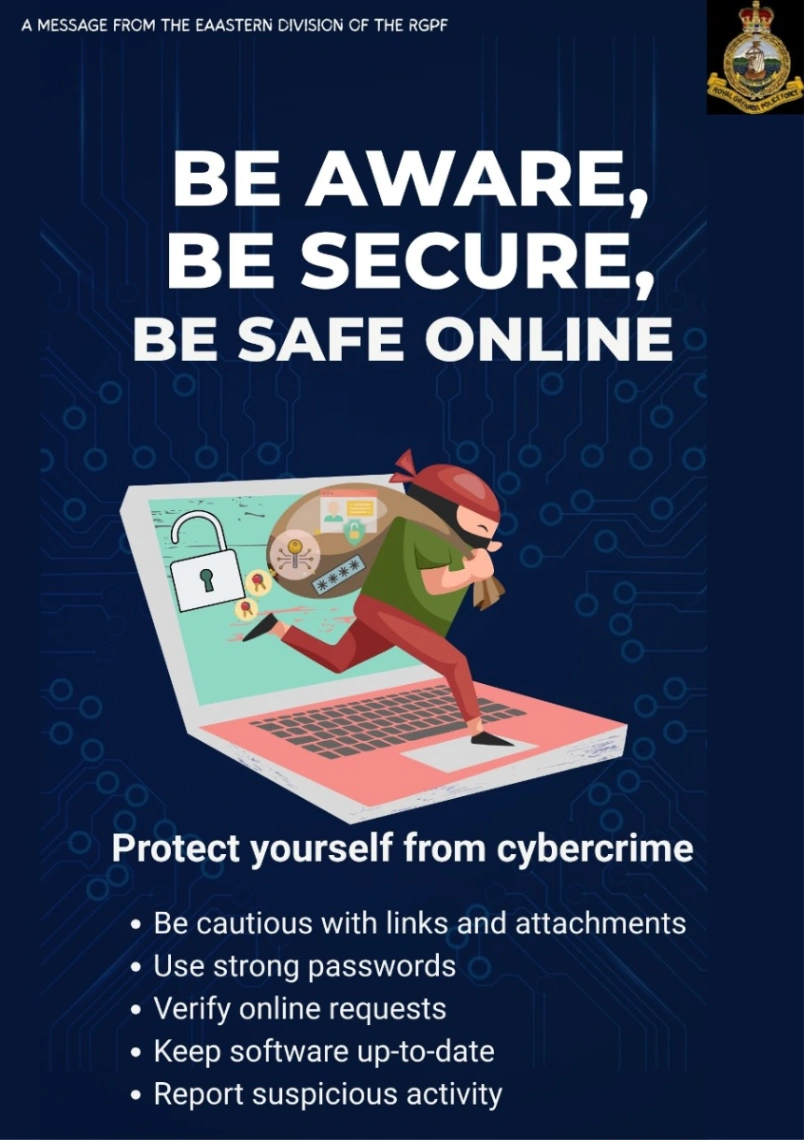
To help citizens defend their personal data and identity, the Eastern Division of the Royal Grenada Police Force (RGPF) has issued a timely reminder to Be Aware, Be Secure, and Be Safe Online.
Building a resilient digital defense starts with five foundational habits.
1. Treat Links and Attachments with Caution
The most common entry point for cyberattacks is human error, usually triggered by a phishing attempt. Malicious actors disguise themselves as trusted institutions—like your bank, a courier service, or even a coworker—sending links or files designed to install malware or steal credentials.
Inspect Before Clicking: Hover over links to check the actual destination URL before clicking.
Verify the Sender: If you receive an unexpected invoice, document, or urgent link via email or messaging apps, contact the sender through a separate, verified channel to confirm they actually sent it.
2. Upgrade to Strong, Unique Passwords
A weak password is the digital equivalent of leaving your front door unlocked. Worse, using the same password across multiple sites means a single data breach can expose your entire digital life.
Ditch the Basics: Avoid easily guessable phrases, birthdays, or sequential numbers.
Embrace Passphrases: Use long passphrases combining random words, numbers, and special characters.
Use a Manager: Utilize a dedicated password manager to generate and safely store unique keys for every single account you own.
3. Verify Every Online Request
Social engineering is a tactic where criminals manipulate you into handing over money or private information. They might call or message pretending to be an authority figure, a bank representative, or a family member in distress.
Pause and Question: Legitimate organizations will never pressure you to provide passwords, PINs, or sudden financial transfers over the phone or text.
Hang Up and Call Back: If an online request feels suspicious, halt the interaction immediately. Use an official public phone number to call the organization back directly.
4. Keep Your Software Up-to-Date
Operating systems, web browsers, and mobile applications regularly release security updates or "patches." These updates fix hidden coding bugs that hackers use to slip past your device's defenses.
Turn on Auto-Updates: Enable automatic updates on your smartphone, computer, and smart devices.
Don't Ignore Notifications: When your device prompts you to restart for a security update, do it sooner rather than later. Delaying patches leaves an intentional gap in your security wall.
5. Active Defense: See Something, Report Something
Cybersecurity is a collective community effort. If you notice strange unauthorized logins on your accounts, encounter fraudulent local websites, or fall victim to a scam, staying silent allows the threat to spread to others.
Report Suspicious Activity: Flag malicious behavior or financial scams to platform administrators and local law enforcement immediately. Reporting helps block threat actors and protects the wider community.
The RGPF Shield of Digital Defense:
Be Aware of the traps.
Be Secure with your credentials.
Be Safe by verifying before you trust.